Gemini Omni Flash
Create fast video drafts from text, images, and references.Iterate with prompt revisions, cinematic camera cues, and 16:9 or 9:16 formats.
Get Inspired
Explore examples shaped around prompts, references, camera motion, and mobile-ready crops.
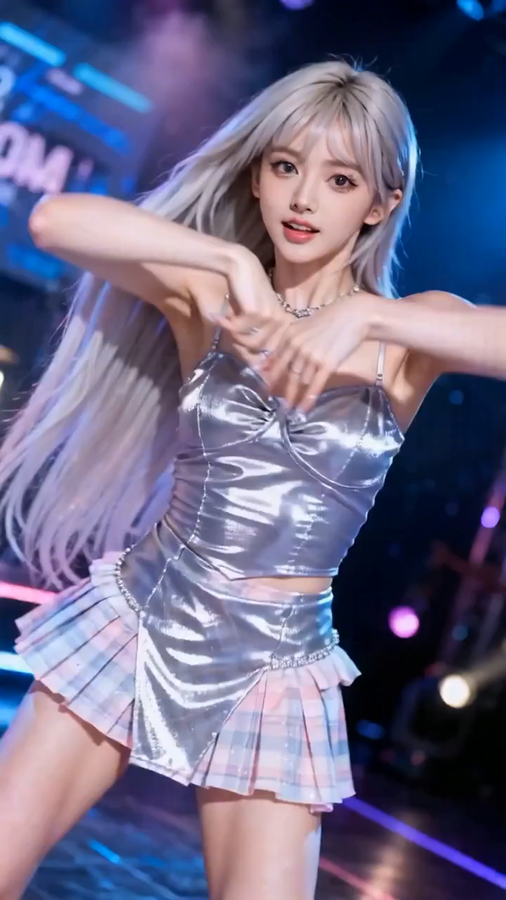
@image1's female star as the main subject, reference the camera movement method of @video1 for rhythmic push-pull-pan-tilt movements. The female star's movements also reference the dance movements of the woman in @video1, performing energetically on stage.
Examples
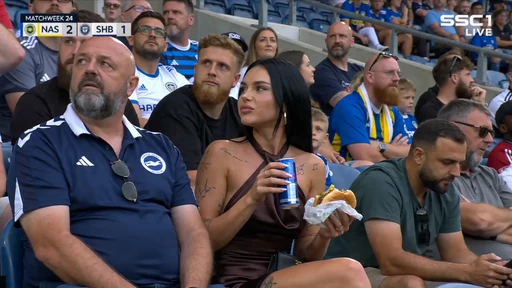
@image1 [Camera View] Official television sports broadcast feed. High-angle professional zoom lens, smooth tripod-mounted tracking, no handheld jitter. The video features a permanent digital scoreboard overlay in the top-left (MATCHWEEK 24, NAS 2, SHB 1) and a "SSC 1 LIVE" television logo in the top-right, perfectly static. [Candid Discovery] The broadcast camera cuts from the game to scan the crowd in natural, ambient daylight. It locks onto a stunning woman in a dark brown silk halter dress. She is surrounded by a diverse audience wearing everyday casual clothes (hoodies, jackets, t-shirts). She is casually eating a burger and holding a blue soda can. She incidentally glances up, catches her own image on the stadium's giant screen, and realizes the live camera is on her. She gives a surprised, cool smirk to the camera. [The Transition] She quickly but calmly sets her burger and drink on her seat, stands up with athletic poise, and coolly vaults over the professional stadium railing onto the pitch. The broadcast camera pans smoothly to follow her movement from the stands to the grass. [The Interaction] On the pitch, a professional soccer player in a white kit passes the ball directly to her feet. Despite wearing sharp high-heeled shoes, she expertly traps the ball and executes a powerful, professional-level strike. The ball arcs with high velocity into the top corner of the goal net. [Audio & Finish] Audio is authentic stadium environment sound: the distant hum of thousands, the rustle of clothing, the sharp "thwack" of the high heel hitting the ball, and the massive roar of the crowd after the goal. She turns toward the lens with a radiant smile and playfully covers the camera with her hand, ending the broadcast segment. [Technical Specs] Broadcast-quality 4K, 60fps, natural color grading, high-end optical zoom, photorealistic textures, clean TV graphics.
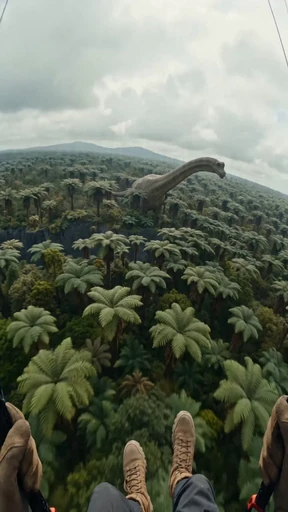
Overall Style and Aesthetics: A high-energy, thrilling first-person action sequence, shot in a 9:16 vertical aspect ratio. The visual style is a raw, high-budget prehistoric adventure film, shot with a 35mm anamorphic lens, retaining a strong film grain and noticeable noise to create a realistic and stunning texture. The camera work simulates a GoPro-style wide-angle lens with peripheral distortion. High-fidelity visual effects, realistic mud and water physics, and 8K resolution. Narrative Timeline (9:16 Vertical Shots): 0:00 - 0:03 (High-Altitude Paragliding Flight) This scene opens from the first-person perspective of a paraglider pilot. Two gloved hands grip the control stick, and brown tactical boots sway at the bottom of the frame. The pilot soars above a vast, ancient jungle filled with giant tree ferns and prehistoric palm trees. In the center of the treetops, a massive, long-necked sauropod dinosaur (Brachiosaurus) stands majestically, its head facing the camera. 0:03 - 0:06 (Canyon Dive - Dynamic Chase) The pilot pulls the control stick, diving into a narrow basalt canyon in a thrilling maneuver. A group of pterosaurs, emitting sharp cries, blurs past the camera. Below, a rushing river flows between jagged rock walls. The camera uses strong motion blur and shaky shots to simulate wind resistance and speed during the descent. 0:06 - 0:10 (Water Glide - Low-Altitude Gliding) The pilot glides close to the water's surface, just inches away. Water spray and splash onto the "lens." The camera follows the winding river at incredible speed. Lush green vegetation and ancient moss-covered rocks rush past on either side. The lighting is natural, overcast sunlight, casting realistic reflections on the water. 0:10 - 0:13 (Fall - Physics and Textures) The paraglider loses altitude and plunges violently into a deep, muddy clearing. The camera angle drops sharply. A large patch of thick, brown mud splashes onto the lower half of the frame. The paraglider's white canopy collapses, hanging above the camera, forming a suffocating, translucent white veil.
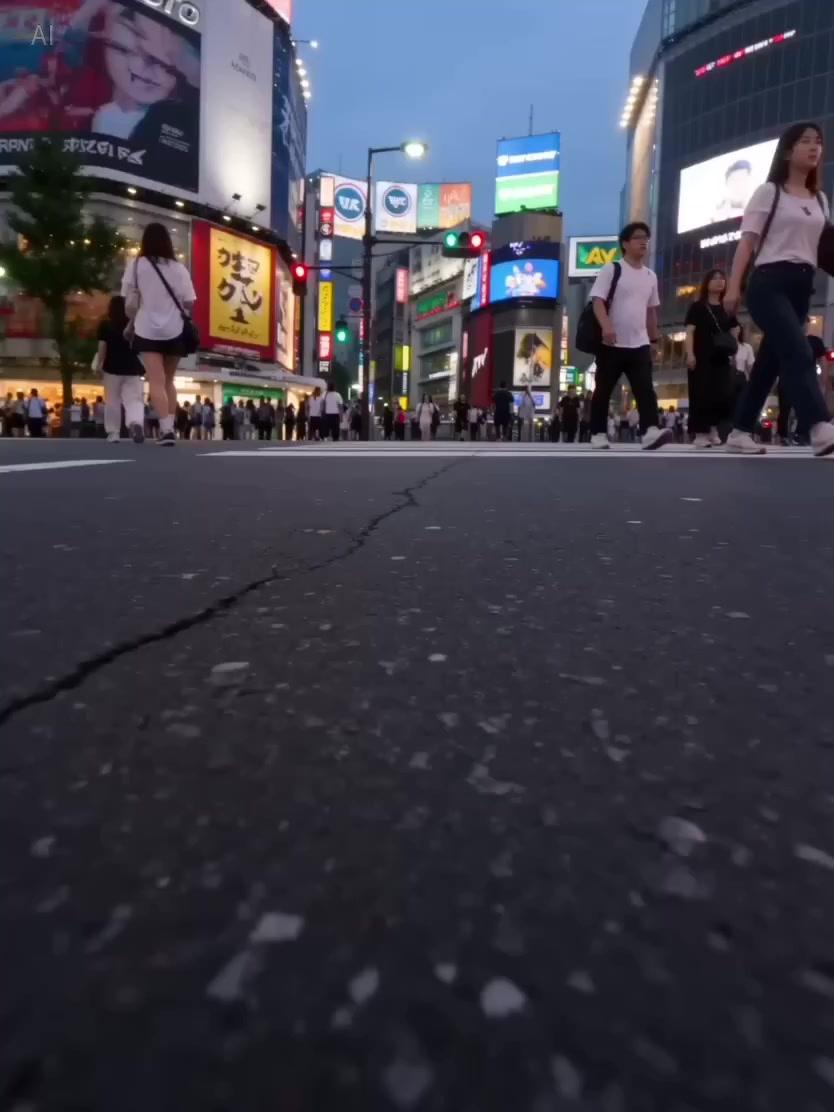
Single continuous cinematic shot. Audio begins with daytime Shibuya street noise mixed with 8-bit video game sounds and chaotic Japanese chatter. Background music: shamisen strings. The camera pushes low along the ground. A girl’s leather shoe slams into frame — heavy first step. A Japanese schoolgirl in JK uniform sprints into frame at extreme speed, then suddenly slows on the second beat. She side-rolls and runs along a Shibuya crosswalk, shoulder nearly brushing the lens, skirt sweeping across frame. Obstacle ahead. She suddenly accelerates, steps onto a low wall — explosive jump. The camera lifts into the air with her. City lights streak below. She lands steadily, stabilizes with one hand, immediately rolls forward. The camera rotates half a turn with the roll, then quickly corrects. She sprints again. Full speed. Charges toward a railing. No hesitation. She leaps. The camera follows into weightlessness. Wind roars. Shamisen music briefly cuts midair. She lands on a lower platform. Knees absorb impact. Lowest point. Next beat — she snaps her head up and resumes sprinting into the crowd.
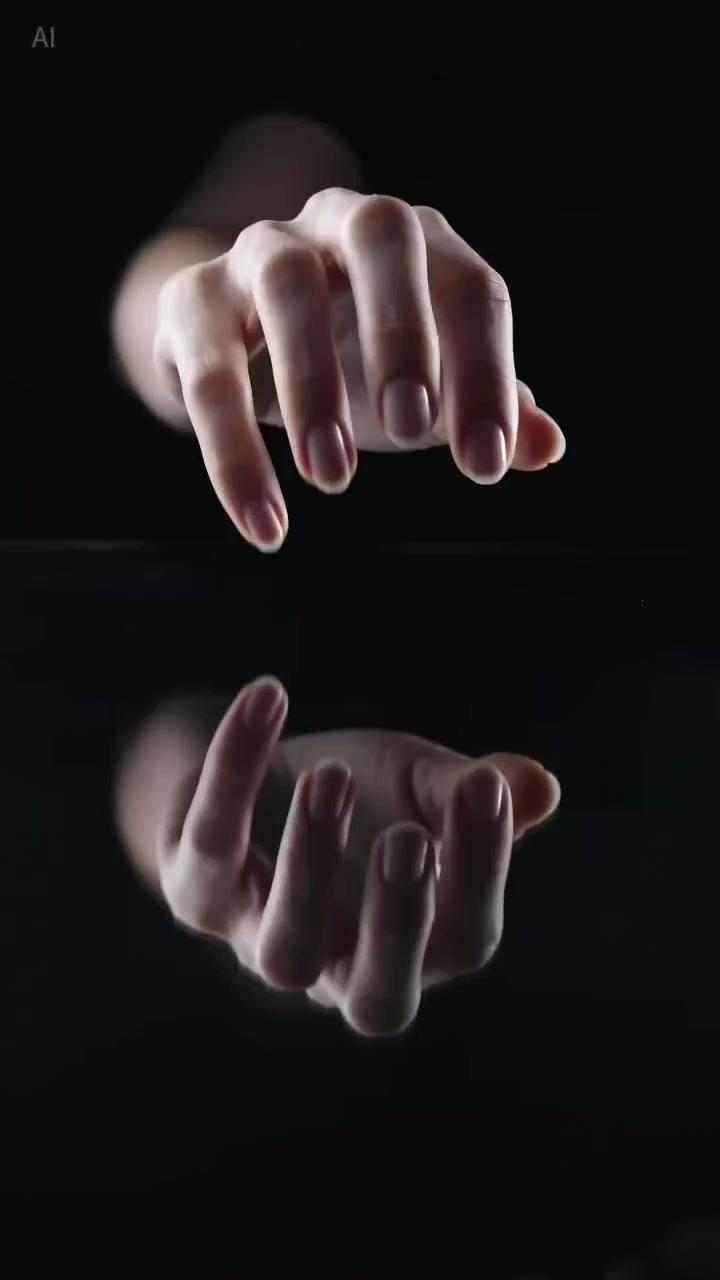
Vertical ASMR video. No music. Macro details. Shot 1: A light blue skincare gel bottle sits on glass. A pale elegant hand gently taps the glass, producing crisp fingernail tapping sounds. Shot 2: The hand picks up the bottle and slowly twists the cap. The cap rotation sound is clearly audible. Shot 3: A spoon scoops a portion of gel. With a soft “plop,” a thick blob of pale blue gel lands heavily in the center of the glass surface. The gel is dense and viscous, containing tiny realistic air bubbles. Dramatic cool lighting from behind makes it glow like a gemstone. Shot 4: The hand presses firmly onto the gel. The pressure flattens it, causing it to spread outward into an irregular circle. Tiny bubbles swirl within the texture. Palm lines and skin details are clearly visible through the glass. The hand slowly spreads the gel in circular motions. The thick gel thins into a semi-transparent oily film. Focus entirely on friction and fluid dynamics between hand, product, and glass.

Based on a storyboard of reference images, a fast-paced flashback montage was created. This is a nostalgic love story, shot on 35mm film in the style of a Kodak Portra 800. Soft grain, dreamlike bokeh, warm highlights, and slight color shifts create a retro cinematic atmosphere. The background music is an English song.
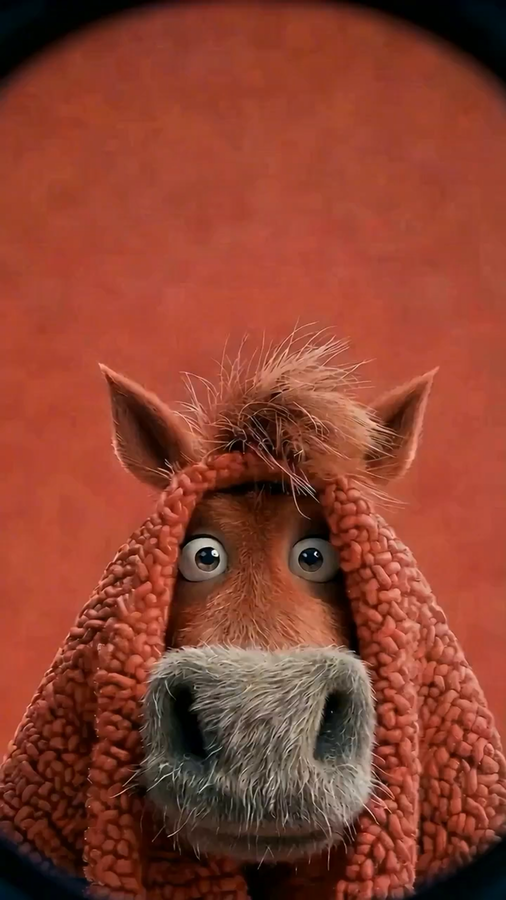
Fisheye Horse Comedy
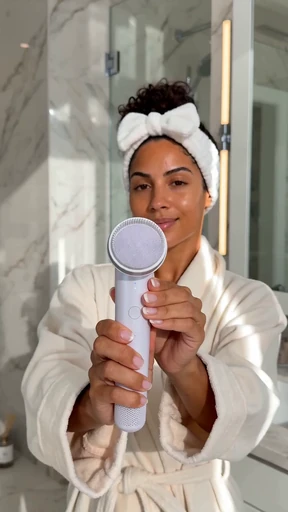
TikTok-style vertical 9:16 marketing video. A glowing Colombian woman in her late 20s with bronze skin, fresh barefaced complexion, tight curly black hair pulled up in a claw clip, white terry headband, ivory bathrobe. She is in a bright marble bathroom with morning daylight. She turns on the pearl-white sonic facial cleansing brush, gently moves it across her cheek with foam, then turns to camera, beaming, and says in confident English: "My skin has never been this smooth. I am throwing out all my old face washes." Quick TikTok jump cuts: brush close-up, foam macro, before-and-after skin tone shot, sparkle SFX, natural sync sound English voiceover, upbeat clean beat track.
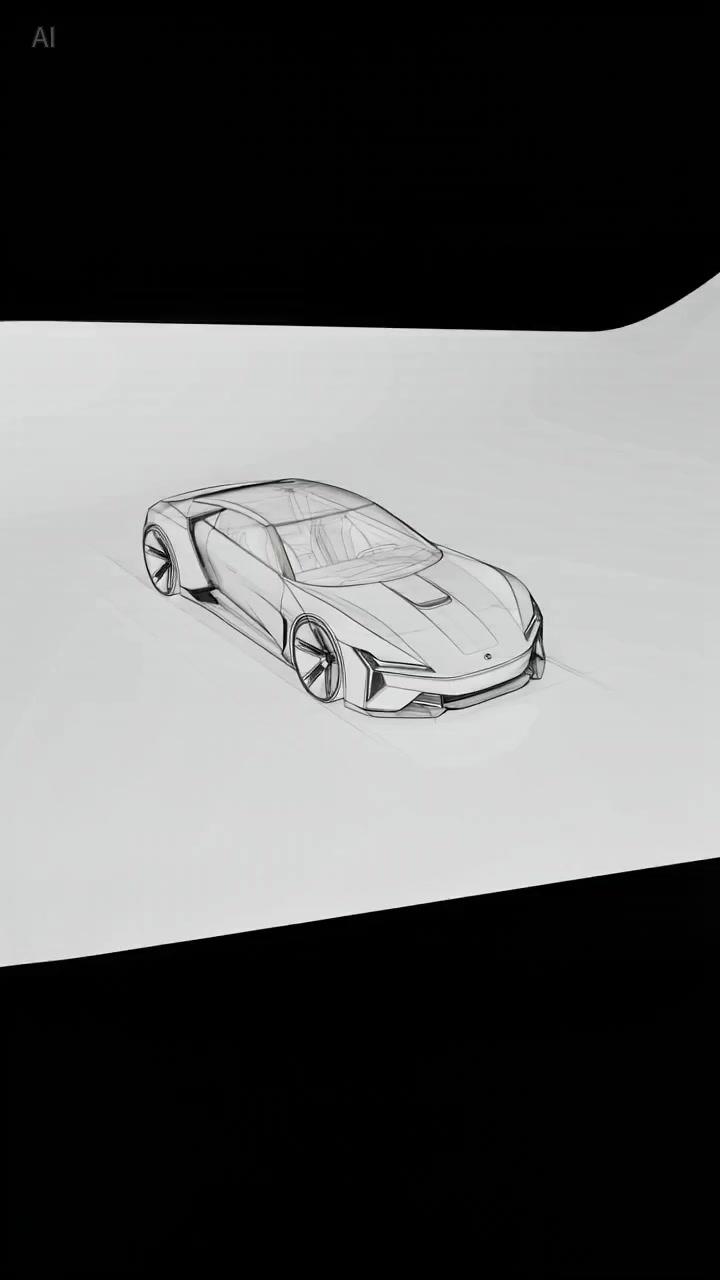
A car sketch on paper. The camera pushes in. The sketch lines rise off the paper, gaining dimensionality and color, transforming into a photorealistic 3D car driving on a road.
@image1's female star as the main subject, reference the camera movement method of @video1 for rhythmic push-pull-pan-tilt movements. The female star's movements also reference the dance movements of the woman in @video1, performing energetically on stage.
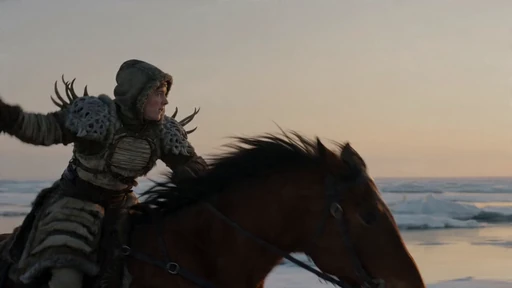
Ultra epic wow visual with a thrilling clear crisp great lighting scene with a frozen grassland under a pale orange dawn, where a rider in layered wool armor and carved antler shoulder plates faces a long-necked ice predator with translucent fins and six running limbs, intense anticipation across the open plain. The camera begins at horse level, racing beside the rider as the beast charges from the right. The rider throws a rope harpoon into the beast’s shoulder fin, circles wide to avoid its bite, then uses the horse’s turn to pull the beast off line. Snow trails and breath plumes show direction clearly. The camera speeds up with a clean lead shot in front of the horse, a wide side sweep showing the rope tension, and a gradual overhead arc as the beast recovers and sprints again. Climax: the rider dismounts onto a boulder, anchors the rope, and the beast’s own speed brings it down in a slide of ice and snow. Ending: the horse slows, the beast stops struggling, and the rider cuts the rope loose as dawn light warms the plain
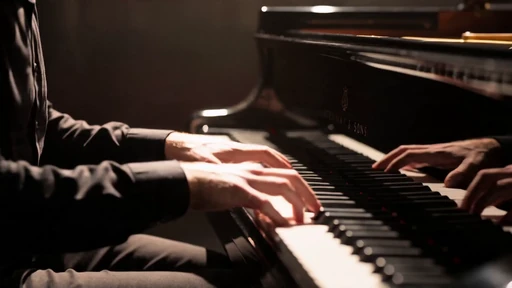
The performance erupts within the grand, shadowed theater of **Figure 3**. The protagonist (**Figures 1 and 2**) sits at the center, a single high-contrast spotlight cutting through the darkness to reveal swirling dust. Following the cinematic rhythm of **Figure 4**, the scene unfolds with breathless intensity. The camera utilizes handheld techniques, creating a gritty, documentary-style urgency with slight motion blur as it pivots from wide shots to aggressive close-ups. We see the pianist’s fingers strike the keys with percussive force, capturing the vibration of strings and the spray of sweat under the harsh light. The visual narrative transitions from a top-down "God's eye" perspective to a claustrophobic close-up of the performer’s face, etched with strain and desperation. The color grading is desaturated and cool, emphasizing the stark, modern-action aesthetic. Every shot is framed with an imperfect, shaky composition that heightens the tension, turning a solo recital into a visceral, high-stakes battle.
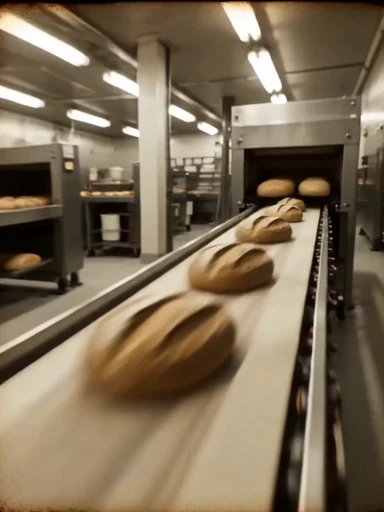
00:00 - 00:02 | The Disappointment (Cold Realism) Visual: A man in a dimly lit, sterile kitchen stares sadly at a piece of dry, factory-processed white bread. The atmosphere is melancholic. Prompt: Medium shot, a middle-aged man looking disappointed at a piece of bland, industrial sliced bread on a cold granite counter, desaturated colors, cinematic moody lighting, 4k. 00:02 - 00:05 | Nostalgia Flashback (Vintage 16mm) Visual: Rapid-fire montage of "The Golden Age of Baking." Hands covered in flour, a wooden table, dough rising, and a stone oven glowing. Prompt: Fast rhythmic cuts, 16mm film grain, vintage sepia tones, close-up of hands kneading dough on a wooden board, flour dust flying in the air, golden sourdough loaf emerging from a wood-fire stone oven, nostalgic 1970s aesthetic. 00:05 - 00:08 | The "What Happened?" (Modern Grittiness) Visual: Quick, shaky shots of bread in plastic bags on a conveyor belt and a squashed, soggy loaf. Prompt: Handheld camera, gritty texture, quick zoom on a crushed loaf of bread in a plastic grocery bag, industrial factory lighting, fast-paced editing, motion blur. 00:08 - 00:12 | The Craftsmanship (High-End Food Porn) Visual: Extreme macro shots of the new handmade bread. The "crack" of the crust, steam rising from the center, and a baker smiling while handing it over. Prompt: Extreme close-up macro shot, a knife slicing through a crusty artisan loaf, audible crunch texture, steam rising from the soft white interior, warm golden hour lighting, high-speed camera (slow motion), a friendly baker in a flour-dusted apron smiling. 00:12 - 00:15 | The Resolution (The New King) Visual: The man from the first scene takes a massive, happy bite of the fresh bread. Bold text appears: "REAL BREAD. FOR THE REAL KING." Prompt: Cinematic close-up, the man taking a satisfying bite of a thick slice of handmade bread, eyes closing in delight, warm sun-drenched lighting, high-end color grading, bold gold text overlay 'THE REAL BREAD IS BACK,' logo reveal.
Model features built for cinematic creation
A closer look at how Gemini Omni Flash connects native multimodal input, conversational editing, image references, and cinematic control.
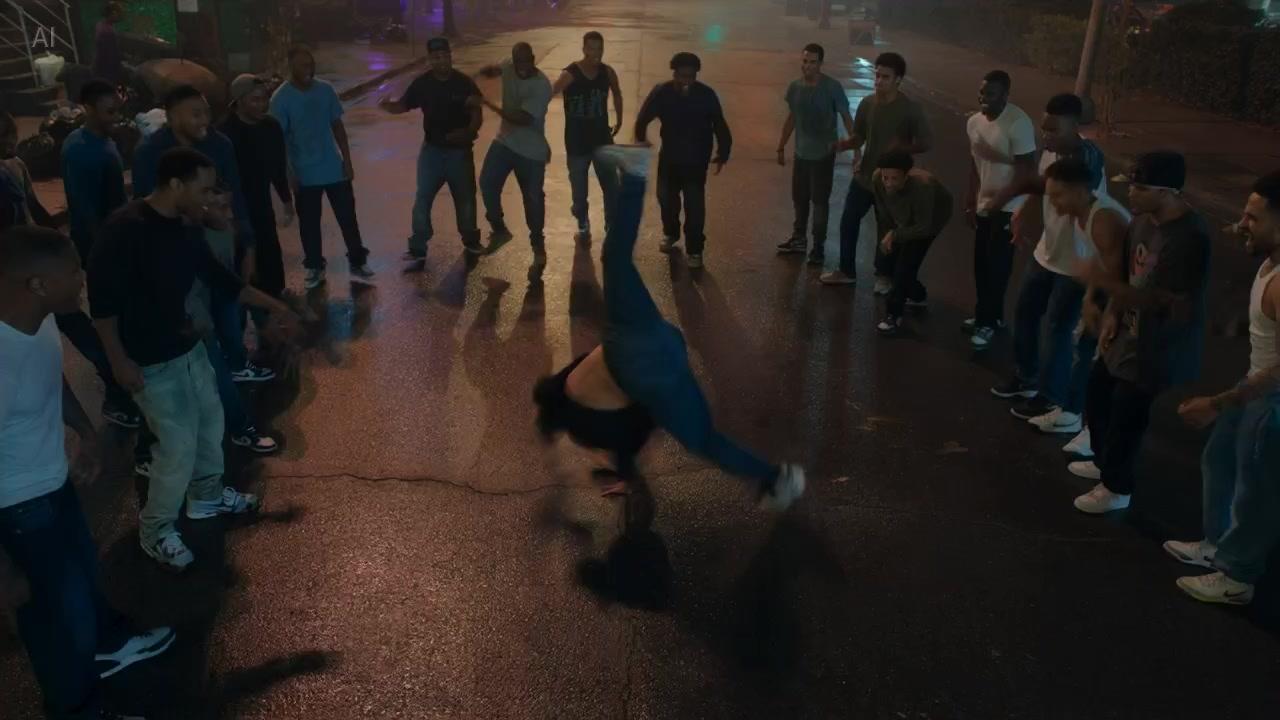
Create video from any starting point
Gemini Omni Flash is built around native multimodal inputs, so a scene can start from text, an image, audio direction, video context, or a mixed creative brief.
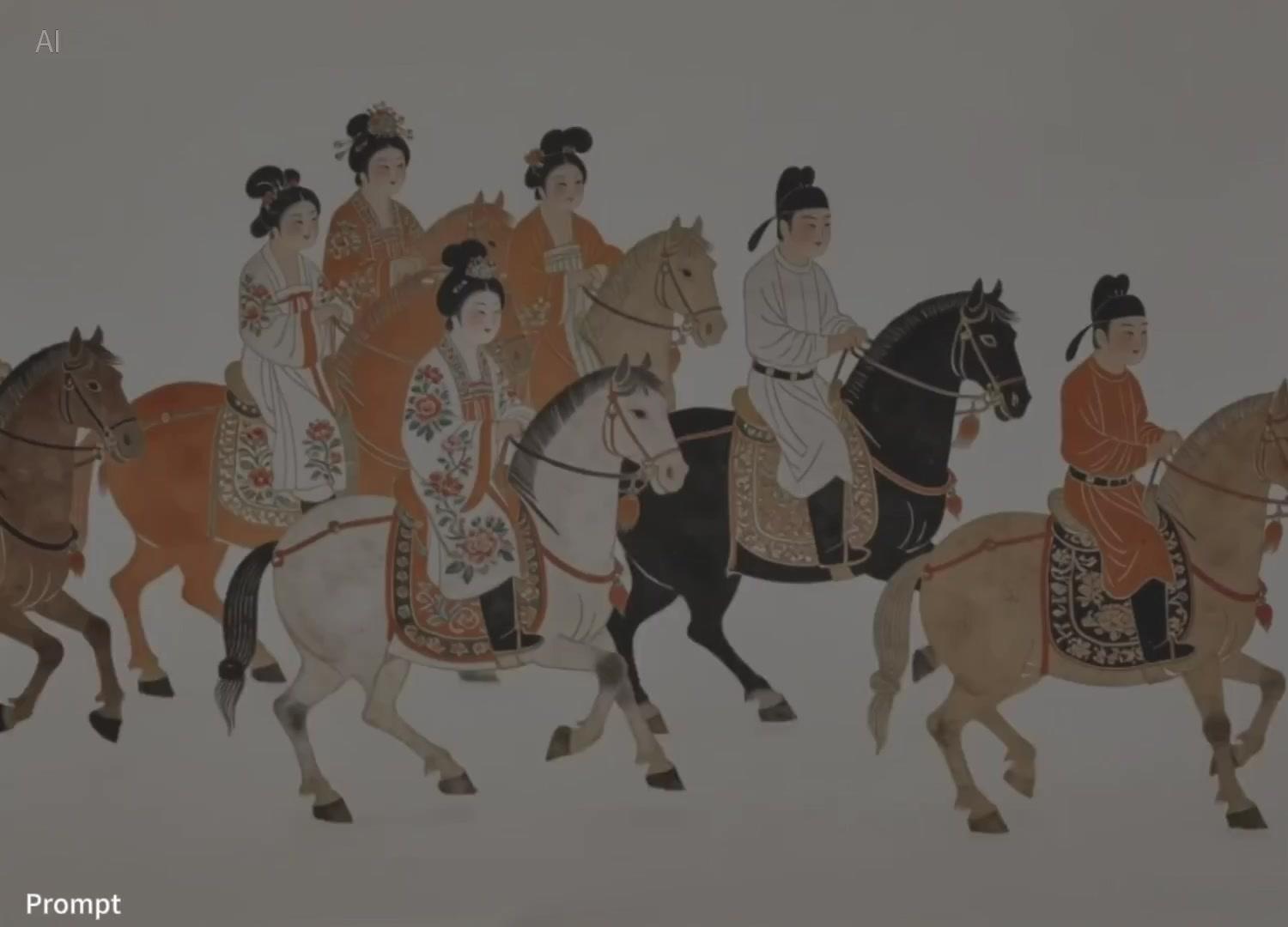
Refine through natural conversation
Use follow-up prompts to adjust movement, preserve context, restyle a shot, or turn a reference into a cleaner next version without rebuilding the idea from zero.
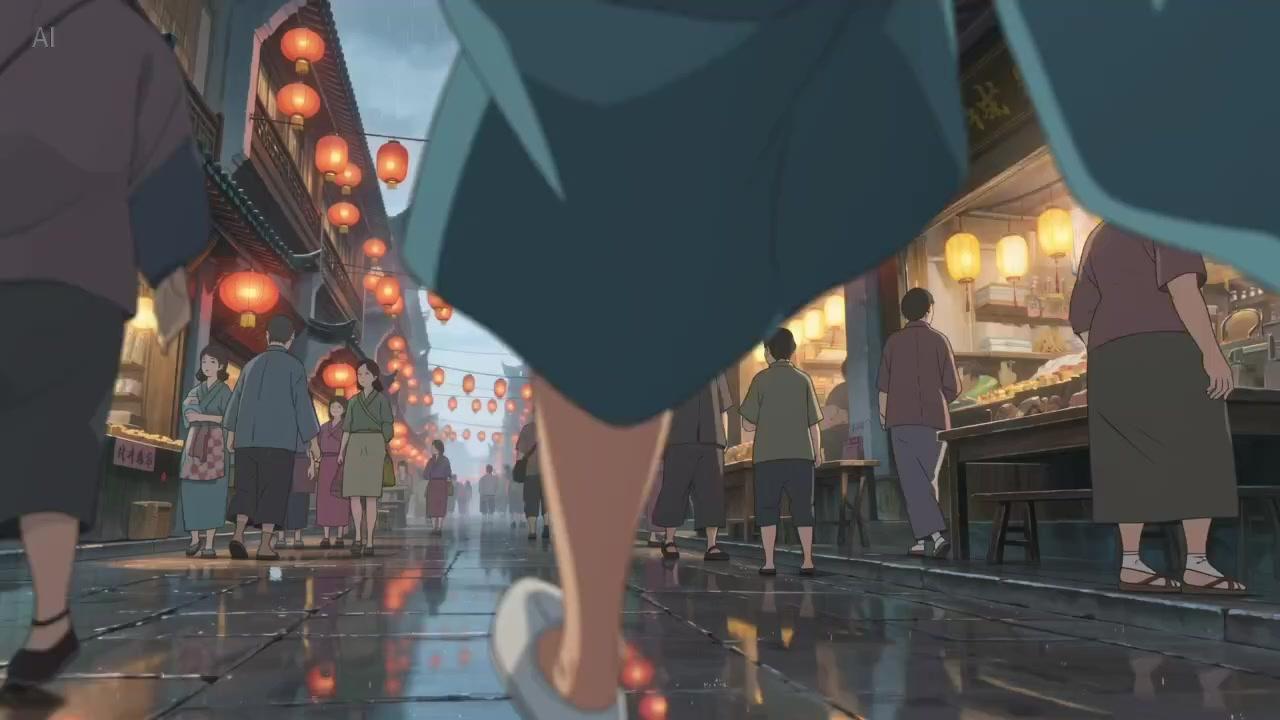
Move faster from concept to usable clip
Wrapper platforms around Gemini Omni Flash put prompts, uploads, aspect ratio choices, examples, credits, and generation in one place so creators can test more ideas per session.
How the Gemini Omni Flash Video Generator Works
Three simple steps from an any-input brief to a saved Gemini Omni Flash video draft.
Set the Gemini Omni Flash brief
Start with a prompt, still image, reference clip, or mixed input idea. Describe subject, camera movement, pacing, visual style, and the format you need.
Generate in Gemini Omni Flash
Choose text-to-video, image-to-video, or reference-to-video mode, set the aspect ratio, then generate the first cinematic draft in the workspace.
Refine Gemini Omni Flash output
Adjust prompts, swap references, compare versions, and continue from the best result when the output matches your creative brief.
Why creators choose the Gemini Omni Flash workflow
Prompt, upload, compare, and continue from the best version while the workflow keeps references, aspect ratios, and revision context close to the creative brief.
Explore the Gemini Omni Flash AppAny-input brief
Blend prompts, source images, reference clips, and shot language in one Gemini Omni Flash brief.
Chat-style revision
Iterate with follow-up instructions so the next Gemini Omni Flash version keeps the creative context.
Version compare
Generate several Gemini Omni Flash directions, compare motion and framing, then continue from the strongest cut.
Format-aware output
Plan vertical 9:16 or widescreen 16:9 scenes for social, ads, storyboards, and product demos.
Gemini Omni Flash vs Other AI Video Generators
See how the Gemini Omni Flash approach compares with basic prompt-only video workflows.
Gemini Omni Flash Video Generator Use Cases
Use Gemini Omni Flash for ad concepts, product demos, storyboards, social media content, training videos, and rapid creative testing.
Gemini Omni Flash Social Media Marketing
Draft Gemini Omni Flash short-form concepts for TikTok, Reels, Shorts, launch videos, and paid social variations.
Gemini Omni Flash E-commerce Product Videos
Turn product images into Gemini Omni Flash animated promos with seasonal hooks, hero shots, and platform-ready crops.
Gemini Omni Flash Video Production
Use Gemini Omni Flash to explore scenes, previsualize camera movement, and build pre-production footage.
Gemini Omni Flash Business Presentations
Create Gemini Omni Flash motion clips for decks, explainers, training material, internal launches, and sales stories.
Gemini Omni Flash Creative Projects
Experiment with Gemini Omni Flash visual styles, music videos, installations, surreal loops, and concept films.
Gemini Omni Flash Educational Content
Illustrate lessons, abstract ideas, language variants, and quick refreshes with Gemini Omni Flash learning assets.
Gemini Omni Flash AI Video Generator Pricing
Choose the Gemini Omni Flash plan that fits your video production volume, queue needs, and credit usage.
Basic
- 2,500 credits per month
- ~ 20 5s Gemini Omni Flash videos/month
- Gemini Omni Flash and Fast model access
- Text, image, and reference-video workflows
- All resolutions up to 1080p
- Commercial usage rights
Plus
- 6,000 credits per month
- ~ 48 5s Gemini Omni Flash videos/month
- Gemini Omni Flash and Fast model access
- Text, image, and reference-video workflows
- All resolutions up to 1080p
- Priority Gemini Omni queue
- Commercial usage rights
Pro
- 15,000 credits per month
- ~ 120 5s Gemini Omni Flash videos/month
- Gemini Omni Flash and Fast model access
- Text, image, and reference-video workflows
- All resolutions up to 1080p
- Priority Gemini Omni queue
- Commercial usage rights
- Priority support
Gemini Omni Flash FAQ
Quick Gemini Omni Flash answers about Gemini Omni Flash access paths, pricing, alternatives, and video-generation workflows.
Gemini Omni Flash is Google's preview multimodal video model for fast video generation, editing, and cinematic control. This workspace turns that Omni-style flow into a prompt, upload, example, and generation surface.
Start Creating Gemini Omni Flash Videos
Try Gemini Omni Flash text-to-video, image-to-video, and reference-to-video creation in one workflow.
Start with Gemini Omni Flash